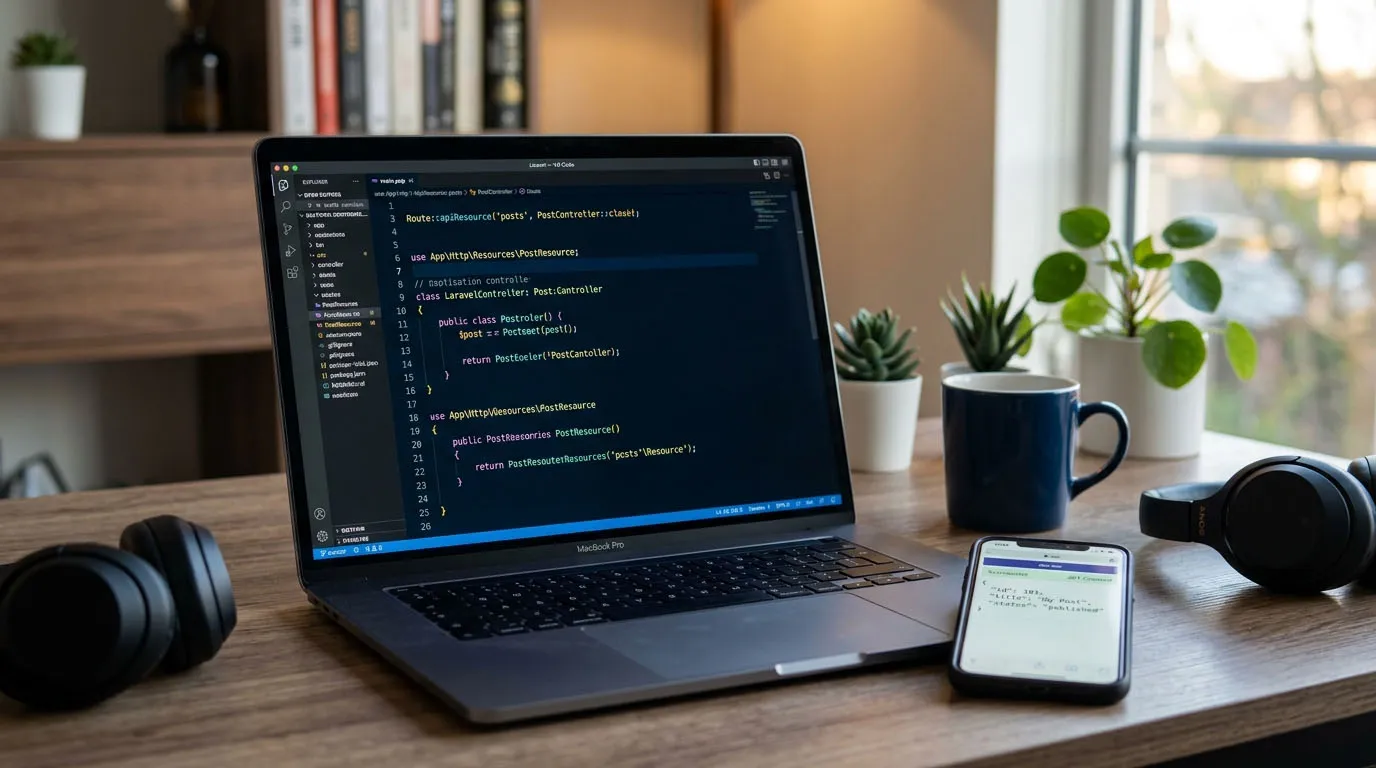
I put off learning to build APIs in Laravel for an embarrassingly long time. Not because it's hard, but because every tutorial I found either stopped at Route::get('/users', ...) and called it a REST API, or buried the genuinely useful parts under three hundred lines of boilerplate I'd never actually write in a real project. So this is the guide I wish I'd had: the parts that matter, the parts you can skip until later, and the one setup change that trips up everyone coming from an older Laravel version.
If you last built a Laravel API a couple of years ago, the first thing that'll throw you is that the API routes file is gone.
The setup that quietly changed
In Laravel 11 and 12, a fresh install doesn't ship with routes/api.php anymore. There's no app/Http/Kernel.php either — middleware now lives in bootstrap/app.php. The first time I scaffolded a new project and went looking for api.php, I genuinely assumed I'd broken something.
You opt into API routing with one command:
php artisan install:apiThat does three things: creates routes/api.php, registers it in bootstrap/app.php, and installs Laravel Sanctum for authentication. After it runs, your routing config looks like this:
->withRouting(
    web: __DIR__.'/../routes/web.php',
    api: __DIR__.'/../routes/api.php',
    commands: __DIR__.'/../routes/console.php',
    health: '/up',
)
Everything in api.php is automatically prefixed with /api. That's the whole "where did my routes go" mystery solved.
Routing the RESTful way
Resist the urge to hand-write five routes per resource. Laravel has a helper that maps the standard REST verbs for you:
use App\Http\Controllers\Api\PostController;
Route::apiResource('posts', PostController::class);
apiResource gives you index, store, show, update, and destroy — and deliberately leaves out create and edit, since an API has no HTML forms to serve. One line, five endpoints, predictable URLs.
The other thing I lean on heavily is route model binding. Type-hint the model in your method signature and Laravel fetches it by ID, returning a clean 404 if it doesn't exist:
public function show(Post $post)
{
return PostResource::make($post);
}
No Post::findOrFail($id) cluttering up every method. It just resolves.
Keeping controllers thin
A controller method should read like a summary of what happens, not the implementation of it. Here's a resource controller that stays out of its own way:
namespace App\Http\Controllers\Api;use App\Http\Controllers\Controller;
use App\Http\Requests\StorePostRequest;
use App\Http\Resources\PostResource;
use App\Models\Post;
class PostController extends Controller
{
public function index()
{
return PostResource::collection(
Post::query()->with('user')->latest()->paginate(15)
);
}
public function store(StorePostRequest $request)
{
    $post = Post::create($request->validated());

    return PostResource::make($post)
        ->response()
        ->setStatusCode(201);
}

public function destroy(Post $post)
{
    $post->delete();

    return response()->noContent(); // 204
}
}
Two details worth calling out: store returns a 201 Created rather than the default 200, and destroy returns 204 No Content. Clients pay attention to status codes, so it's worth getting them right instead of returning 200 for everything.
Validation lives in Form Requests
You can validate inline with $request->validate(...), and for one quick endpoint that's fine. But the moment your rules get longer than a few lines, move them into a dedicated Form Request:
php artisan make:request StorePostRequestpublic function rules(): array
{
return [
'title' => ['required', 'string', 'max:255'],
'body' => ['required', 'string'],
'status' => ['required', 'in:draft,published'],
];
}The payoff here is automatic. When an API request fails validation, Laravel returns a 422 with a structured error body — no extra code from you:
{
"message": "The title field is required.",
"errors": {
"title": ["The title field is required."]
}
}
Your frontend can map errors straight onto form fields. That consistency is the entire point.
Shaping the response with API Resources
Never return $post directly. It dumps every column — including the ones you didn't mean to expose — and welds your database schema to your public contract. API Resources put a deliberate layer in between:
php artisan make:resource PostResourcepublic function toArray(Request $request): array
{
return [
'id' => $this->id,
'title' => $this->title,
'body' => $this->body,
'status' => $this->status,
'author' => UserResource::make($this->whenLoaded('user')),
'created_at' => $this->created_at->toIso8601String(),
];
}whenLoaded('user') only includes the author if you actually eager-loaded the relationship — which is how you avoid silently triggering an N+1 query on every list endpoint. And because the index method above used ->paginate(15), the resource collection automatically wraps the response with pagination links and meta. You get that for free.
Authentication with Sanctum
Since install:api already pulled in Sanctum, issuing a token is a few lines:
Route::post('/login', function (Request $request) {
$request->validate([
'email'       => ['required', 'email'],
'password'    => ['required'],
'device_name' => ['required'],
]);
$user = User::where('email', $request->email)->first();
if (! $user || ! Hash::check($request->password, $user->password)) {
throw ValidationException::withMessages([
'email' => ['The provided credentials are incorrect.'],
]);
}
return ['token' => $user->createToken($request->device_name)->plainTextToken];});
Then wrap your protected routes in the auth:sanctum middleware:
Route::middleware('auth:sanctum')->group(function () {
Route::apiResource('posts', PostController::class);
Route::get('/user', fn (Request $request) => $request->user());
});
The client sends the token as a Bearer header on every request, and Sanctum resolves the user. That's the whole flow.
What I'd actually do
Here's where most guides hand you the "enterprise" version of everything and leave you to figure out what's overkill. So, honestly:
I don't reach for Form Requests and API Resources on day one of a small internal tool with three endpoints. Inline validation and a plain array response are fine until there's a second consumer of the API — a mobile app, another team, a public client. The day that second consumer shows up is the day the abstraction earns its keep, and that's when I add it, not before.
On controllers: I keep them thin, but I don't immediately explode every action into a Service class or an invokable Action object. That pattern is genuinely useful when logic is reused across endpoints or needs to be tested in isolation. For a method that creates one record, it's just indirection. I add structure when the pain is real, not preemptively.
For auth, Sanctum covers maybe 90% of what people actually need. Reach for Passport only if you truly need full OAuth2 — third-party developers building against your API, authorization-code flows, that sort of thing. Most apps don't, and Passport is a lot heavier to carry around.
And the single most common thing that bites people, including me more than once: forgetting the Accept: application/json header on the client. Without it, Laravel cheerfully tries to redirect or hand back an HTML error page instead of JSON, and you lose twenty minutes debugging a "broken" endpoint that was working the entire time.
If your API is public-facing, version it from the start — prefix routes with /v1 and save yourself a migration headache later. For internal-only APIs I skip versioning entirely; you control both ends, so you just change them together.
Final thoughts
A good Laravel API isn't about using every feature the framework offers. It's a predictable URL structure, status codes that mean something, responses you deliberately shaped, and validation that fails in a way the client can understand. The tooling — apiResource, Form Requests, Resources, Sanctum — exists to make those things easy, not to be checked off a list.
Start with the simplest thing that works, and let the actual shape of the project pull in the structure as it's needed. That order matters more than any single technique above.
Admin User
TechHub Administrator
Passionate about building great software and sharing knowledge with the developer community.
Need this built for your business?
The team behind this article builds websites, web apps and e-commerce for UK and EU clients. Fixed scope, weekly demos, meetings on UK hours.