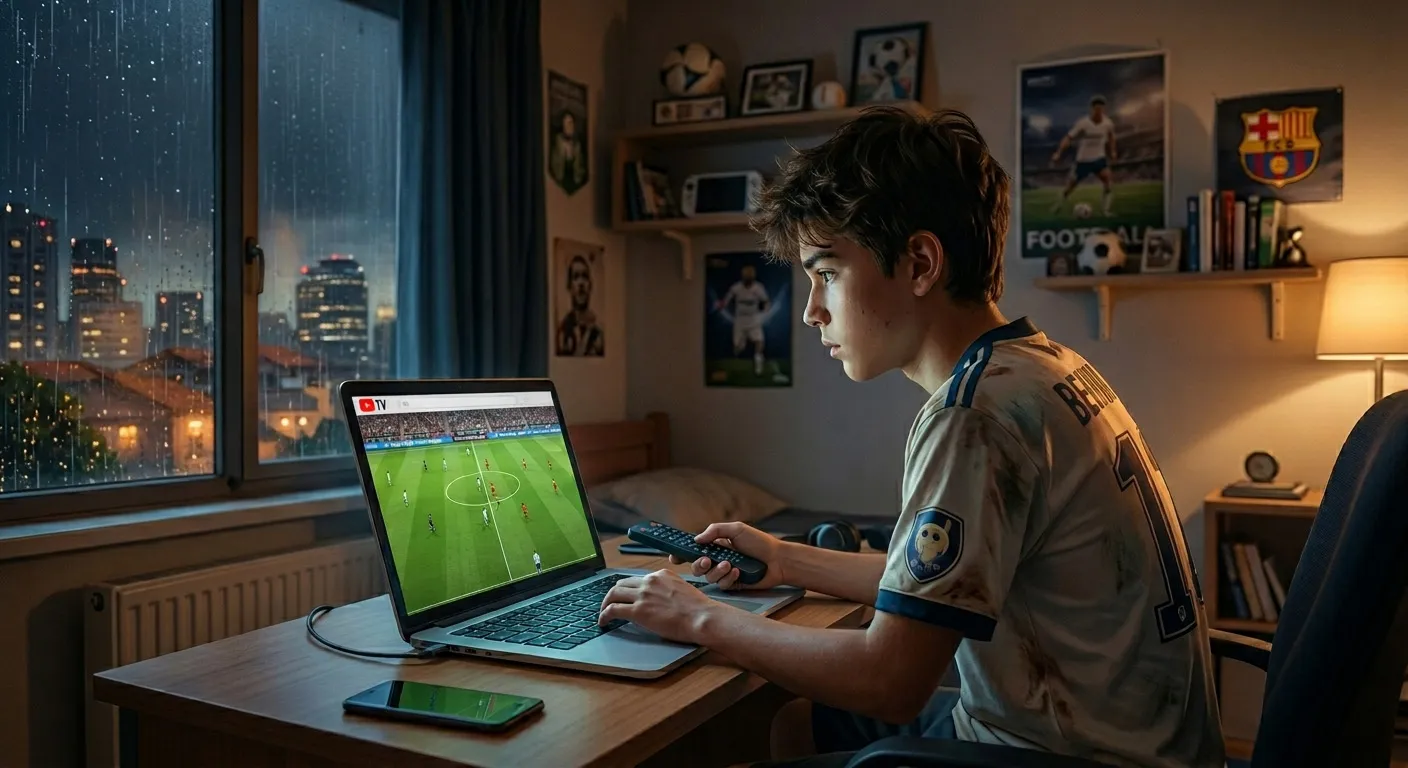
I'll be honest — I had no business watching the 2026 FIFA World Cup for free. I'm not in the US. I'm not in the UK. I'm somewhere that has zero official streaming deal, which means every option I looked up assumed I was sitting in front of a cable box in New Jersey. But I watched almost every match I wanted to. Here's exactly how.
The Problem Nobody Talks About
Most "how to watch the World Cup free" guides are written for Americans. They'll tell you to grab a TV antenna for FOX, stack a few free trials, done. Great advice — if you live in a country where those services actually work.
For the rest of us, the situation is messier. The rights are fragmented by region, the geo-blocking is aggressive, and half the "free" options just show you a login wall the moment they detect your IP is coming from outside their coverage zone.
So the strategy I'm going to describe isn't just "sign up for YouTube TV." It's a little more involved than that.
Step 0: You Need a VPN — But Not for the Reason You Think
Let me get this out of the way early. A VPN isn't some shady workaround here — it's a basic prerequisite if you're outside a major rights-holding country. The services I'll mention (Fubo, YouTube TV, DirecTV Stream, FOX One) are geographically restricted. Without a VPN set to a US location, you won't even see the signup page properly, let alone stream anything.
I used a paid VPN service throughout the tournament. Free VPNs are not worth your time for streaming — they're too slow, their IP ranges get blocked almost immediately, and you will miss goals because of buffering.
One important note: when you sign up for any of these streaming services, keep your VPN connected to the same country. Switching regions mid-subscription can flag your account.
Recommended: Connect to a US city (New York or LA work well)
Stay consistent: Don't change VPN location between sessions
Payment: Use a card that works internationally, or grab a prepaid US card
The Four Services Worth Knowing
The 2026 World Cup in the US is split between FOX (70 matches, including all knockout rounds and the final) and FS1 (34 matches, mostly mid-group-stage games). Every single one of these is available on the following services.
YouTube TV — The One I Started With
This has the longest free trial of anything I found: 10 days (sometimes they push it to 21 for new users, worth checking). It includes FOX, FS1, Telemundo, and Universo. The picture quality is solid. The one real downside is a slight stream delay — probably 30-45 seconds behind live, which matters when Twitter exists and someone in your group chat has faster internet.
After the trial it's around $73/month, so cancel before day 10 if you're not keeping it.
Fubo — The Sports-First Option
Fubo offers a 5-day free trial and is built specifically for sports watchers. The multiview feature is genuinely useful during the group stage when three matches are happening simultaneously. If I had to pay for one service for the whole month, Fubo would probably be it — but for trial purposes, I saved it for a specific week.
DirecTV Stream — The Backup
Another 5-day trial. Less interesting than the others but useful as a third card to play. The interface is clunky compared to YouTube TV or Fubo, but the streams are reliable.
FOX One — The Direct Route
FOX One is FOX's own streaming service, launched relatively recently. It has a 3 to 7-day free trial (check their site — it varies) and gives you direct access to everything on FOX and FS1. If you only care about the knockout rounds and the final, this is the cleanest option. No middleman.
How I Actually Stacked the Trials
The World Cup runs from June 11 to July 19 — 38 days. No single trial covers that. But if you time them, you can cover most of the tournament that actually matters.
Here's roughly how I planned it:
Week 1–2 (Group Stage, early): YouTube TV trial. Most of these games are on FOX anyway, so even a basic setup works here. This is also when you're figuring out your setup — VPN stability, which device you're using, etc.
Week 2–3 (Group Stage, final matchdays): Fubo trial. The final group stage days are chaotic and great — multiple games at 9pm simultaneously, knockout implications everywhere. Fubo's multiview actually helps here.
Week 3–4 (Round of 16 + Quarterfinals): DirecTV trial or a second attempt at YouTube TV if you have another email address available.
Final Week (Semis + Final): FOX One. By this point, every game is on FOX anyway, so you could also just use the direct FOX Sports app if your VPN is solid.
June 11–20  → YouTube TV (10-day trial)
June 21–25  → Fubo (5-day trial)
June 26–30  → DirecTV Stream (5-day trial)
July 1+     → FOX One (7-day trial) or paid sub for the final stretch
I won't pretend I got through the entire tournament for free. I ended up paying for one month of Fubo because I didn't want to deal with the hassle during the quarterfinals. But I'd estimate I paid for maybe 12 days out of 38.
The UK Option (If You Have a Connection)
Worth mentioning: if you know someone in the UK with a TV license, every single match is free on BBC iPlayer and ITVX. No trial. No subscription. Just sign in. I'm not going to tell you how to do something you shouldn't, but I will say that iPlayer's stream quality during the knockout rounds was noticeably better than most US services I used.
What I'd Actually Tell a Friend
Don't overthink the VPN choice — get a paid one, connect to the US, and keep it stable. The services themselves are easy.
Start with YouTube TV because the trial is longest and it's the most reliable. Save Fubo for the final group stage days when simultaneous matches matter. Use DirecTV as a gap-filler.
The one mistake I made early on was cancelling a trial too late. Set a calendar reminder the day you sign up — literally right then, while the confirmation email is open — for two days before the trial ends. Streaming services are not subtle about charging you.
And if you miss a match, FOX One's on-demand library has replays. I watched the Argentina game the morning after at 2x speed, which I do not recommend emotionally but works logistically.
Final Thoughts
The World Cup being on free-to-air TV in some countries and locked behind a $90/month cable package in others is genuinely absurd. The trial-stacking approach is a workaround, not a solution — but it works well enough that I watched about 40 matches across the group stage and knockouts without paying more than the cost of a VPN and one month of Fubo.
If you're outside the US trying to figure this out, the honest answer is: it takes about an hour of setup upfront, and then it mostly just works. The effort is front-loaded. Once your VPN is stable and your first trial is running, watching a World Cup match feels exactly like it should — full screen, good quality, no pixelated dodgy stream with a watermark from a site you'd rather not admit you visited.
Worth it.
Admin User
TechHub Administrator
Passionate about building great software and sharing knowledge with the developer community.
Need this built for your business?
The team behind this article builds websites, web apps and e-commerce for UK and EU clients. Fixed scope, weekly demos, meetings on UK hours.