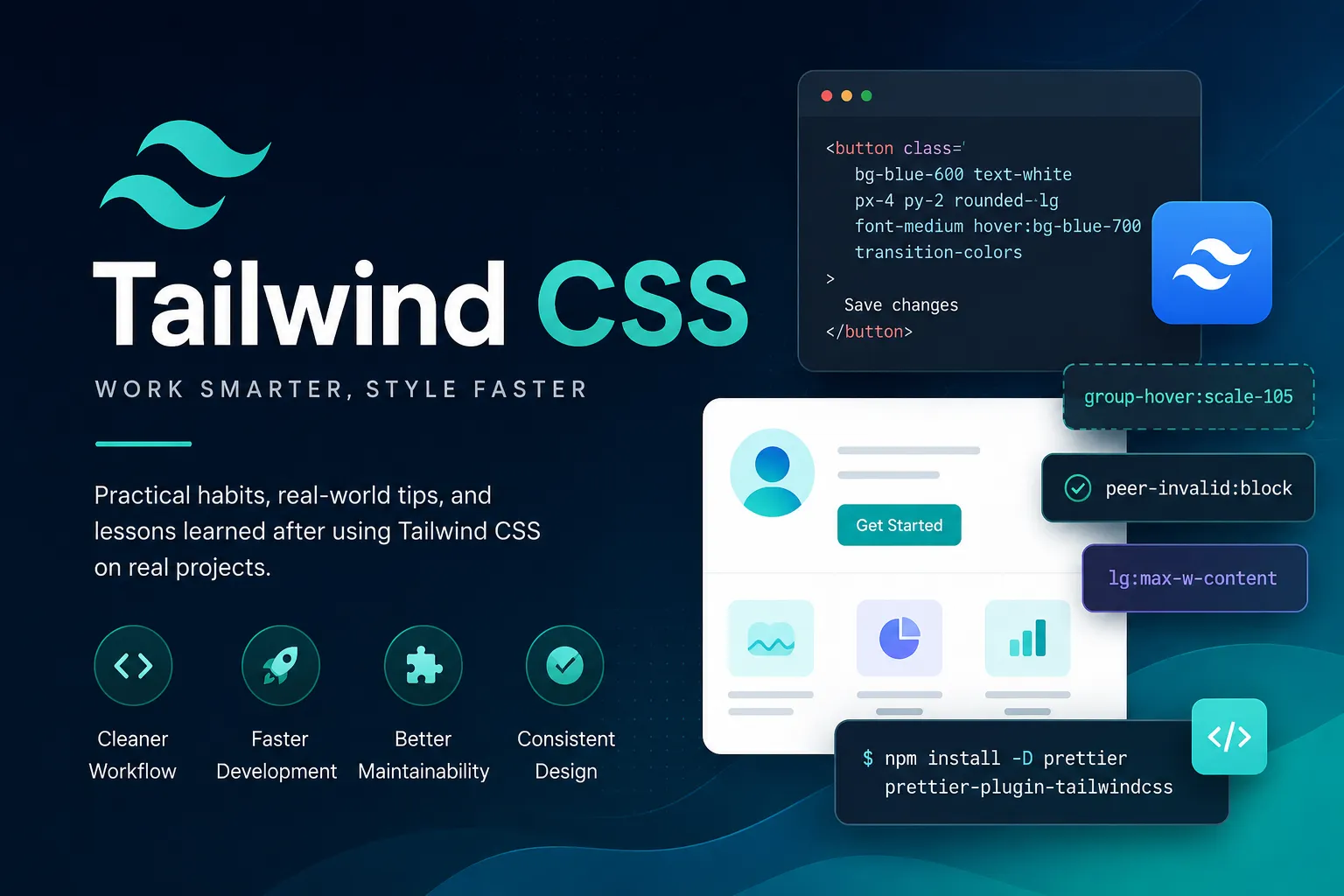
I'll be honest: the first time I saw Tailwind CSS, I hated it. A div with fifteen class names stacked on it looked like someone had committed a crime against HTML. I closed the tab and went back to writing my own CSS like a respectable person.
Then I rebuilt my portfolio site with Next.js and Tailwind, and somewhere around the third component I realized I hadn't opened a .css file in two days — and I didn't miss it. I've been using Tailwind on most of my frontend work since, and along the way I've collected a handful of habits that genuinely made me faster. Not "10x developer" faster. Just "I stopped fighting the tool" faster. Here they are.
Let Prettier sort your classes, because you won't
The single biggest complaint about Tailwind is the class soup:
<button class="text-sm flex px-4 bg-blue-600 items-center rounded-lg py-2 hover:bg-blue-700 font-medium text-white gap-2">
  Save changes
</button>
Is flex before or after px-4? Nobody knows, and every developer on the team has a different mental ordering. The fix is to stop caring and let a tool do it:
npm install -D prettier prettier-plugin-tailwindcssWith the official Prettier plugin, every save reorders classes into a consistent, logical sequence (layout first, then spacing, then color, and so on). After a week of this, I could scan a class list and find what I needed almost instantly, because everything is always in the same place. It's a two-minute setup that pays off on every single file you touch afterward.
Stop reaching for @apply
When people come to Tailwind from traditional CSS, the first thing they do is discover @apply and use it to recreate the exact workflow they just left:
/* Please don't do this everywhere */
.btn-primary {
  @apply bg-blue-600 text-white px-4 py-2 rounded-lg hover:bg-blue-700;
}
I did this too. It feels tidy. But you end up with the worst of both worlds: a custom class system you have to name and maintain, plus a utility framework you're barely using. You've reinvented Bootstrap with extra steps.
The better answer in any component-based framework is to extract a component, not a class:
function Button({ children, ...props }) {
  return (
    <button
      className="bg-blue-600 text-white px-4 py-2 rounded-lg font-medium hover:bg-blue-700 transition-colors"
      {...props}
    >
      {children}
    </button>
  );
}
Now the "reuse" lives where it should — in the component layer — and the styles stay visible right next to the markup. I still use @apply occasionally for things like base typography in a blog's prose area, but as a rule of thumb: if you're writing @apply more than a few times per project, you're probably fighting the framework.
Dynamic class names will silently break your build
This one bites almost everyone exactly once, and then never again. Say you're building a badge component and you do something clever:
// Looks fine. Doesn't work.
function Badge({ color, children }) {
  return <span className={`bg-${color}-100 text-${color}-800`}>{children}</span>;
}
In development this might even appear to work. In production, half your badges render unstyled, and there's no error anywhere. The reason: Tailwind scans your source files as plain text looking for complete class names. bg-${color}-100 is not a complete class name, so bg-red-100 never gets generated.
The fix is a lookup map with full class strings:
const colors = {
  red: "bg-red-100 text-red-800",
  green: "bg-green-100 text-green-800",
  blue: "bg-blue-100 text-blue-800",
};
function Badge({ color, children }) {
return <span className={colors[color]}>{children}</span>;
}
Slightly more verbose, completely reliable, and as a bonus your editor's autocomplete and the Prettier plugin can actually see the classes now. If you take one thing from this article, take this one — it's the most common "Tailwind is broken" bug report that isn't actually a bug.
Arbitrary values are a smell (a useful one)
Tailwind lets you escape the design scale whenever you want:
<div class="w-[137px] mt-[13px] text-[15px]">...</div>Handy in a pinch — sometimes a third-party embed or a pixel-perfect design mockup forces your hand. But when I catch myself writing arbitrary values repeatedly for the same thing, I treat it as a signal that my config is missing a token. That's what theme.extend is for:
// tailwind.config.js
module.exports = {
theme: {
extend: {
colors: {
brand: {
500: "#5b6cff",
600: "#4a58e6",
},
},
maxWidth: {
content: "72ch",
},
},
},
};
Ten minutes spent extending the config early in a project saves you from a codebase full of text-[#5b6cff] scattered across forty files — which is impossible to change later without a find-and-replace prayer session.
Learn the state and child selectors — they replace a lot of CSS
Two features that took me embarrassingly long to start using properly:
group for parent-driven hover states. Want an icon to move when someone hovers the whole card?
<a href="#" class="group block rounded-xl border p-6 hover:border-blue-500">
<h3 class="font-semibold">Read the post</h3>
<span class="inline-block transition-transform group-hover:translate-x-1">→</span>
</a>
peer for styling based on a sibling — perfect for form validation states without a line of JavaScript:
<input type="email" class="peer border rounded px-3 py-2" placeholder="you@example.com" />
<p class="mt-1 hidden text-sm text-red-600 peer-invalid:block">
Please enter a valid email.
</p>
Before I knew these existed, I was writing custom CSS or sprinkling useState around for things the browser and two utility classes handle for free.
What I'd actually do
If I were starting a new project tomorrow, here's my honest, unglamorous setup, in order:
Install Tailwind and the Prettier plugin in the same sitting. Non-negotiable.
Spend ten minutes in
tailwind.config.jsadding brand colors and any obvious custom tokens before writing components.Extract components early, use
@applyalmost never.Keep a
cn()helper (usuallyclsx+tailwind-merge) around for conditional classes, because you will need it by day two.
And my honest opinion on the eternal "Tailwind vs. real CSS" debate: it depends on what you're building. For content-heavy pages with long-form typography, I still think a small amount of plain CSS (or the typography plugin) is more pleasant. For application UI — dashboards, admin panels, anything with lots of components — Tailwind wins for me, mostly because of one boring reason: I never have to invent class names, and I never have to wonder whether deleting a CSS rule will break some page I forgot about. The styles live and die with the markup. That's the whole pitch, and it's a good one.
The class soup never fully goes away. You just stop seeing it, the same way you stopped seeing angle brackets in HTML.
Final Thoughts
Tailwind didn't make me a better designer, and it won't make you one either — a bad layout with utility classes is still a bad layout. What it did do was remove a whole category of friction: naming things, maintaining separate stylesheets, dead CSS, and the "where is this style even coming from" archaeology sessions.
If you're on the fence, my suggestion is to skip the Twitter debates and build one real thing with it — a portfolio, a dashboard, anything with more than five components. Set up the Prettier plugin first, extend your config early, and watch out for that dynamic class name trap. By the end you'll know whether it fits how you think. For me, it did — grudgingly at first, then completely.
Admin User
TechHub Administrator
Passionate about building great software and sharing knowledge with the developer community.
Need this built for your business?
The team behind this article builds websites, web apps and e-commerce for UK and EU clients. Fixed scope, weekly demos, meetings on UK hours.